







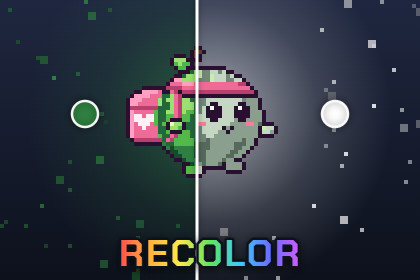
We also offer Recolor Pro, which adds a few convenient tools to speed up your workflow. You can check it out here.---Describe your package. Is the provided content customizable, suitable for a particular genre? adds Apply to all frames, save points, saved selections, colour variants and transition sheets, all in the same window.Swap a colour, keep the shading.Pick a colour, choose a new one, and every shade follows: highlights, shadows and everything in between keep their distance from each other.Clean edges, no fringe.Anti-aliased pixels are split back into the colours they mix, so only the old colour's share of each pixel changes. No halo of the old colour is left around the shape.Recolor only what you click.Change the whole image, or click just the parts you want, so the shirt changes and the hat stays, even when both are the same red. Shift+click adds more parts. Three ways to select:• Contiguous: grows from the clicked pixel to the matching pixels around it.• Non-contiguous: takes every matching pixel of the frame, joined or not.• Single pixel: click or drag to pick pixels one by one.Built for sprite sheets.On a sliced sheet, a selection never spills into the next frame, and Animate frames plays the recolored animation beside the result, each frame aligned by its pivot.Works with the files you already have.PNG, JPG, Aseprite, PSD and any image Unity imports. No exporting first.See every pixel.A zoom follows the cursor while you pick the colour, and the result updates live as you change it.Open it from Tools > Recolor. A demo sample is included.

