







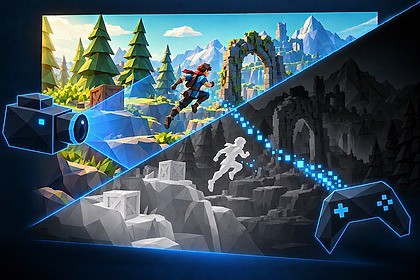
The Gameplay Capture & Replay Toolkit enables:Content capture: record clean gameplay footage from any camera for trailers and marketing.Machine learning and AI research: build gameplay datasets for imitation learning, world models and computer vision. Each recording pairs RGB video, metric depth video, per-frame gamepad input and a metadata file with camera details. Record several cameras at once (for example a first-person view, a top-down map and a segmentation view), each with its own streams.QA and testing: record a play session where a bug happens, then replay the exact input to reproduce it. You can also use recordings as automated regression tests.Works with any genre. The toolkit doesn't depend on gameplay type, so it suits shooters, platformers, racing games, simulations and more. If your game uses the Input System, the virtual replay gamepad drives it from a recording with no code changes.Setup and customisation. Choose Tools > Gameplay Capture > Add Capture Rig To Scene, press Play and click Start Recording. Resolution, frame rate, encoder, quality, depth range, cameras and output folder can all be changed in the Inspector or from the command line. You can add your own data streams (telemetry, game events) and input sources (AI agents, scripted bots) by subclassing DataCapture and Controller.Headless and automated. Recording works in batch mode on machines with a GPU. Command-line arguments let you collect data unattended at scale.Demo scenes. Four first-person demos share a grey-box level with walls, ramps, platforms, boxes and collectables. Each shows one capability:Single camera capture: capture video from a single game camera.Input capture and replay: record a run, then watch the recorded input reproduce it exactly.Multiple cameras: a first-person view and a top-down camera that follows the player, recorded together with input.Data cameras: first-person colour and depth plus a segmentation camera that renders each object class in a flat colour, with the class colours saved alongside the video.All demos work in Built-in, URP and HDRP without material conversion, and support keyboard and Xbox-style gamepads.Full C# source, documentation and tests are included.Important: Video capture requires FFmpeg, which is free and not included. The documentation explains how to install it on Windows and macOS. Input capture and replay work without FFmpeg.

