





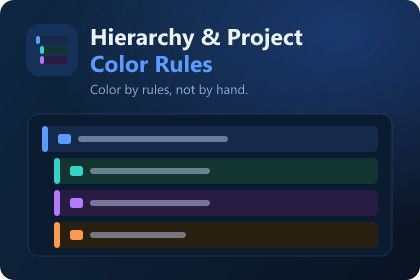
Turn your naming and folder conventions into a visual language. Define rules once, and matching GameObjects and assets are styled automatically in Unity 6.6’s native Hierarchy and Project window. Share profiles with your team, see why each rule applies, and spot what doesn’t follow the convention.Rule-based styling: match by name, folder path, asset type, tag, layer or component. Apply backgrounds, accent stripes, text colors, icons, bold labels and dividers.Clear priorities: when rules overlap, priorities decide, and Insights shows which rule wins and why.Native Unity 6.6 integration: works inside the native GameObject Hierarchy with an optional Color Rule column. Unity’s own selection and controls stay untouched. In the Project window, folders and assets can be styled too, including UXML, USS and PanelSettings.Team profiles: share profiles as JSON and preview what changes before you import.Convention checks: start from UI, audio or prefab recipes, adjust the expected prefixes and folders, then scan loaded scenes or an asset folder. Project Map groups the results by rule and exports them as CSV.Included: three example profiles, six sample icons, a demo scene, 40 window themes including ten high-contrast variants, a compact window, and an editor UI in English and German.Editor-only and private: no runtime scripts, no telemetry, no online service.