






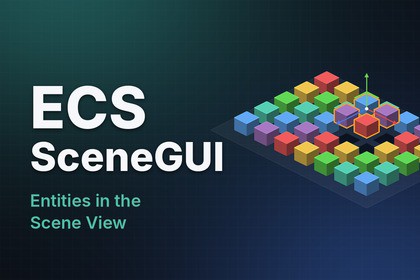
Unity’s Scene View can’t see ECS entities. They only show up in the Game View, so while you’re playing you can’t click them, move them or even find them.I built this plugin for my own Steam game, MitoSwarm, which runs fully on ECS. I got tired of this problem, so I fixed it. Now entities work like GameObjects in the Scene View: click to select, drag a box to select many, move them with the normal handles, press F to frame, Ctrl+D to duplicate, Delete to remove, and Ctrl+Z to undo all of it.It’s editor-only, so nothing ends up in your build. It works with any ECS project, any genre.Note: the characters in the video and screenshots are from MitoSwarm and are not included. The package comes with a Cube Stress sample so you can try it right away.