




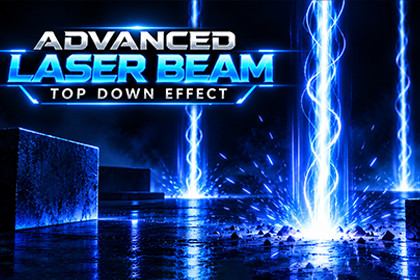
Laser beams, impact effects and fading scorch trails for URP.Universal Render Pipeline and Shader Graph are required. Configure a Universal Renderer with a Decal Renderer Feature. Enable Opaque Texture and Depth Texture for the energy cloud. Enable camera post-processing and use Bloom for the intended glow. Built-in and HDRP versions are not included.1. Import the complete LaserBeamVFX folder into Assets, preserving .meta files. Wait for compilation and shader import to complete.2. Configure the active URP renderer as described above. The supplied Materials/LaserBloom.asset can be assigned to a Global Volume.3. Open Scene/LaserDemo.unity and enter Play mode. Click the Game view, then press Space to cycle through the effects.4. For your own scene, drag a prefab from Prefabs into the Hierarchy. Disable LaserDemoMotion before taking control through your game code.5. Assign CuttingLaserController.startPoint and endPoint. Aim at a non-trigger 3D collider included in hitMask. Call SetFiring(true) or SetFiring(false).Three base effect families: Each family has six additional color variants, for 21 prefabs total. Seven color presets, one demo scene, runtime C# scripts, shaders, materials, textures and mesh assets are included.Next: Space, Right Arrow or Enter. Previous: Backspace or Left Arrow. First step: Home. Aim: left mouse drag, or primary touch with the Input System. Toggle firing: B. Resume automatic motion: R. C and number-key color switching are available only with standalone LaserDemoMotion and an assigned preset list; the showcase disables them.Texture size: 2048 B/W 2048Alpha Source: Input Texture Alpha

