




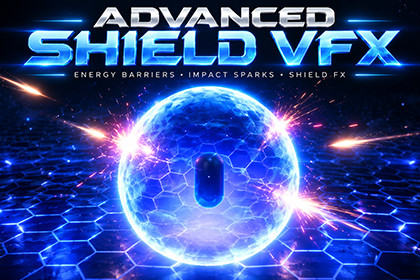
Six energy-shield variants, six electric-shield variants, six impact/rebound prefabs and six energy-shield demo prefabs.Universal Render Pipeline (URP), with Shader Graph and Unity UI available. The supplied electric-shield shader targets URP. Built-in/HDRP compatibility and a minimum Unity version are not established by this asset archive.QUICK START1. Extract EnergyELectricShield_VFXPack.zip, then copy the complete EnergyELectricShield_VFXPack folder into your project's Assets folder. Keep the supplied .meta files so material, script and prefab links survive.2. Allow Unity to finish importing and check the Console for errors.3. Open either scene under Assets/EnergyELectricShield_VFXPack/Scenes and press Play: 1DemoSceneEnergyShield.unity or 2DemoSceneElectricShield.unity.4. With the Game view focused, use Space/Right Arrow/Enter to advance, Backspace/Left Arrow to go back, and R to restart the presentation.5. To use an effect in your own scene, drag a prefab from EnergyELectricShield_VFXPack/Prefab into the Hierarchy, then adjust its position and scale.PREFAB FOLDERS (inside EnergyELectricShield_VFXPack/Prefab)1ElectricShied_Prefabs - Electric shields with sequence controllers.2EnergyShield_Prefab - Energy-shield variants.ShieldImpact_Rebound_Prefab - Impact particle effects.Demo_EnergyShield_Prefabs - Energy-shield demonstration setups.Technical details:Pink materials: check the active URP asset and shader compilation errors.Weak glow: check material intensity, camera post-processing and Bloom.No reaction: check component references, active state and hit coordinates.For performance, reduce sparks, arc complexity and simultaneous shields.Texture Size:512 B/W 512Texture shape: 2DAlpha source: Input texture alpha

