




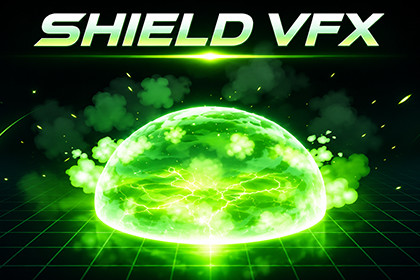
Two ground-slam VFX families with 14 prefabs: FireDome_VFX, FireDome_VFX, and six color variants for each.1. Open your Unity project. Select Assets > Import Package > Custom Package, choose the supplied .unitypackage file, and click Import with all package assets selected.2. Open Scene/DemoScene.unity in the imported package and press Play to view the effects.3. Drag a prefab from Prefabs, Prefabs/Variants1, or Prefabs/Variants2 into your scene. Position its root at the ground impact point. Enable Play On Enable for automatic playback.4. For glow, enable HDR and camera post-processing, then assign Scene/FireDome_VolumeProfile.asset to a global Volume. Enable Camera Opaque Texture for heat haze.Play from codeReference the GroundSlamVFX.GroundSlamEffect component on the prefab root. Disable Play On Enable when triggering the effect from code. With a component reference named effect, use:effect.Play();effect.Stop();Included effectsFireDome_VFX: fire orb, impact ring, flame dome, smoke, embers, and ground cracks. Includes six color variants in Prefabs/Variants1.BeastFireDome_VFX: charged orb, orbiting shards, ground slam, double-layer dome, collapse, and scorch ring. Includes six color variants in Prefabs/Variants2.RequirementsUnity 6 (6000.0+) with Universal Render Pipeline (URP 17+). Built-in Render Pipeline and HDRP are not supported. The demo showcase requires Unity UI (com.unity.ugui).Materials/ effect materials, Beast/, Variants1/, Variants2/, DemoTextures/ noise, gradient, masks, fire puff / flame tongue sheets, crack and scorch decalsMeshes/ dome and sphere meshes, Beast/ void shard bandsTextures: 1024 B/W 1024

