




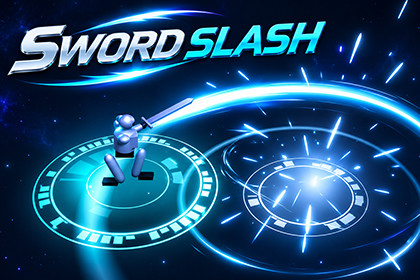
Stylized sword slash, impact and finisher effects for games.Quick start1. Import the complete StylizedSwordTrailVFX folder into your Unity project, preserving the folder structure and asset references.2. Open DemoScene from the Scene folder to preview the package.3. Browse Prefabs for reusable sword slash, impact and finisher effects. Use Showcase for the stage prefab used to present the effects.4. Explore the Variants1 folders for themed materials and effect prefabs. See Scripts for the effect controls, camera shake and demo code.Included contentThe package includes reusable effect prefabs, a showcase stage, a demo scene, C# controls, materials, meshes, custom shaders, textures and a post-processing profile. Mesh assets cover slash arcs, waves and fire effects; textures include fire trails, sparks and noise.Folder guide· StylizedSwordTrailVFX/ Main folder containing all package assets.· Materials/ Materials for effects, the sword and the showcase. Its Variants1/ folder contains themed material variations.· Meshes/ Mesh shapes for slash arcs, waves and fire effects.· Prefabs/ Reusable sword slash, impact and finisher effects. Showcase/ contains the presentation stage prefab; Variants1/ contains themed effect prefabs.· Scene/ DemoScene for previewing the package.· Scripts/ C# controls for effects, camera shake and the demo.· Settings/ Post-processing profile for the visual presentation.· Shader/ Custom shaders for trails, particles, smoke and distortion.· Texture/ Fire trail, spark and noise textures.Themed variationsMaterials/Variants1/ contains six themed folders: ArcaneViolet/ (arcane violet), CrimsonGold/ (crimson and gold), EmeraldStorm/ (emerald storm), FrostShard/ (frost shard), SolarFlare/ (solar flare) and ToxicVenom/ (toxic venom). The Prefabs/Variants1/ folder provides themed versions of the effect prefabs.Texture size: 256 B/W 256Texture Type : Default Texture shape: 2DAlpha Source: Input texture alpha

