




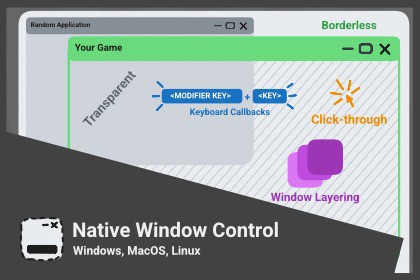
Cross-platform window control for Windows, macOS, Linux: transparency, click-through, mouse/keyboard capture, borderless, minimize/maximizeAdvanced window control for standalone!DocumentationDemosWindows | Mac | LinuxTake full control of the application window on Windows, macOS and Linux. Create borderless transparent windows, implement click-through overlays, capture global mouse and keyboard input, and manage window states programmatically. Essential for desktop tools, overlays, kiosk modes, and background applications.Features:Borderless, transparent, and fullscreen window modesAlways-on-top and always-on-bottom window orderingWindow opacity/alpha control (0–100%)Click-through (mouse-transparent) windows with automatic or user-defined hit testingFree window positioning, including above the macOS menu bar or over the Windows taskbarShow window on all virtual desktops / SpacesMaximize, hide, and show the window, with minimized/maximized/fullscreen state queriesWindow position and size control with min/max constraints and a resizable toggleWindow title get/setWindow activation and focus controlFit-to-monitor with per-monitor targetingMulti-monitor enumeration and monitor change eventsDPI/Retina backing-scale query for physical-pixel mathAttention requests - Dock icon bounce (macOS), taskbar flash (Windows), urgency hint (Linux)Global input polling - cursor position and warping, mouse buttons, modifier keys, and per-key state via a cross-platform `NativeKey` enum; passive hardware snapshots, no Accessibility/Input Monitoring permissions requiredGraceful exit and force-exit methodsWindow state change callbacks (style, size, z-order) on the Unity main thread - no manual thread marshalingOriginal window state restored on detach/quitAutomatic Linux launch wrapper - generates `launch.sh` + `get_visual_id` on build so per-pixel transparency works out of the boxCompatibility:Unity 2022.3+Windows, macOS, and Linux standalone buildsLinux: X11 or XWayland session (a compositor is required for transparency; the generated `launch.sh` handles the rest)Testable in the Editor on Windows and macOS (Linux requires a build)Demo scene with runtime console commands

