






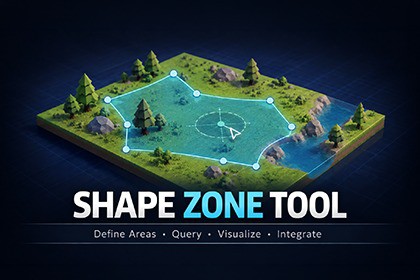
Create custom polygonal zones and detect whether positions are inside or outside at runtime using fast mathematical queries—no colliders or physics required.The demo scenes is optimized for the Built-in render pipeline.Shape Zone Tool lets you create and edit custom 2D polygon zones and 3D volumes directly in the Unity Scene view. Test positions, track entry and exit events, and generate random points without colliders or Unity Physics. It is ideal for gameplay boundaries, restricted areas, spawn zones, AI regions, and other spatial logic.FeaturesCreate and edit custom polygon zones directly in the Scene viewSupports convex and concave 2D zones and extruded 3D volumesMove, insert, delete, and edit polygon pointsBuilt-in shape validation and triangulationCalculates perimeter, area, centroid, bounds, height, and volumeIncludes point-inside, closest-point, closest-edge, closest-corner, and signed-distance queriesUniform random point generation with optional custom random providersCollider-free zone tracking with OnEnter, OnExit, and OnStay UnityEventsSupports include/exclude zones and Update, FixedUpdate, or manual trackingCached geometry for efficient repeated queriesParent hierarchy visualization and non-uniform scale warningsExample scenes includedUndo / Redo supportLightweight| Documentation | Other Assets | Official Site |LimitationsFlat shapes are defined on the GameObject’s local XZ planeNon-uniform Transform scaling is not supported. A warning is displayed in the Inspector.| Documentation | Other Assets | Official Site |

