






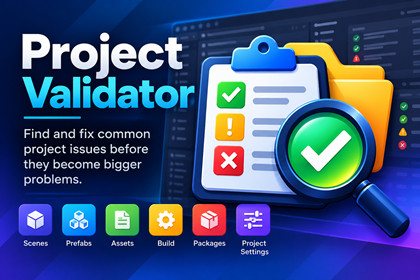
Find, inspect, and fix common Unity project issues with 21 validation rules, search, filters, Health Score, safe fixes, and JSON/CSV reports.Project Validator is an Editor-only validation tool that works independently of the rendering pipeline. It supports Built-in, URP, HDRP, and Custom SRP projects without requiring a specific rendering pipeline.Project Validator is an Editor-only validation tool designed to help developers identify common project issues before they become bigger problems.It provides 21 validation rules covering scenes, prefabs, assets, packages, build configuration, and project settings. Findings can be searched, filtered, inspected, and navigated to directly within the Editor.The tool includes configurable validation thresholds, rule and path exclusions, a Project Health Score, JSON and CSV reporting, and safe fixes for supported missing-script issues.The interface is designed for projects of different sizes and is not tied to a specific game genre, rendering pipeline, or project type. It can be used for 2D, 3D, mobile, PC, and other projects.Project Validator is customizable through its validation settings, exclusions, and configurable thresholds, allowing developers to adapt validation to their project's needs.Tested with Unity 6000.3.14f1. Requires Unity 6000.3 or later.21 validation rules for common project issuesScene, Prefab, Asset, Build, Package, and Project validationSearch and filter findings by severity, rule, scene, and asset typeRule and path exclusionsConfigurable validation thresholdsProject Health ScoreFinding details and direct asset/object navigationSafe fixes for supported missing-script issuesJSON and CSV report exportScan progress and cancellationBasic Usage sampleResponsive Editor interfaceEditor-only workflowCompatible with Unity 6000.3 and laterNo runtime dependencyAI tools were used as development assistance during the creation of this package. They supported code drafting, refactoring, documentation, test development, debugging, and workflow tasks. All generated work was reviewed, tested, and integrated by the developer. Product functionality, validation rules, fixes, UI behavior, package dependencies, and release builds were manually verified in the Unity Editor before release.

