






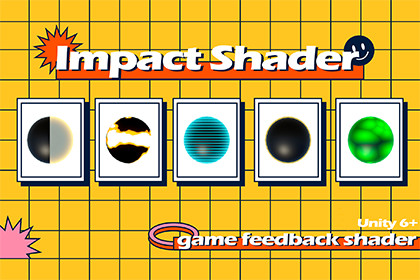
🌟 Why ImpactShader?Building gameplay feedback — hit flashes, dissolve deaths, outlines, elemental status effects — usually means writing a separate script and shader for every effect, then hand-wiring each one into your character controller and combat code.Pignition ImpactShader takes a different approach — nine effects behind a single FeedbackController API, added to any character with one Editor window, and stackable together without stepping on each other.ImpactShaderA complete gameplay feedback toolkit for Unity 6 URP.Open the Feedback Setup window, select your character, check the effects you want, and they're added and wired automatically. From there, call feedback.PlayHit(), feedback.SetFreeze(true), or feedback.PlayDissolve() from your own code — every parameter (color, width, duration, edge glow, scan lines, and more) stays exposed and tweakable on each effect's Inspector.Whether you're building a top-down action game that needs snappy hit feedback or an RPG that needs elemental status telegraphing, ImpactShader gets you there without writing a single shader.🚀 Key Features✔ Hit Flash — instant base-color flash via MaterialPropertyBlock, no extra material needed ✔ Dissolve — noise-clipped dissolve with a glowing edge, ideal for death effects ✔ Outline — inverted-hull outline with per-object color and width ✔ X-Ray — "see-through-walls" rim glow, visible only where the object is occluded ✔ Hologram — rim glow + scanlines + flicker ✔ Fresnel Highlight — breathing rim light for target markers and invincibility states ✔ Freeze / Burn / Poison status overlays — plus unlimited custom statuses via SetStatus(key, active)✔ FeedbackController facade — one API for every effect, with Auto-Wire and two UnityEvents (On Hit, On Dissolve Complete) ✔ Stack any combination of overlay effects on the same character via OverlayMaterialStack ✔ Feedback Setup Editor window — add or remove every effect from selected GameObjects in one click ✔ No shader writing required — works with your existing base materials ✔ Unity 6 Render Pipeline (URP) — Forward and Deferred rendering paths supportedIdeal for indie developers, combat/action game designers, and anyone who wants polished gameplay feedback without writing a custom shader for every hit, status, or death effect.📘 DocumentationImpact Shader URP

