






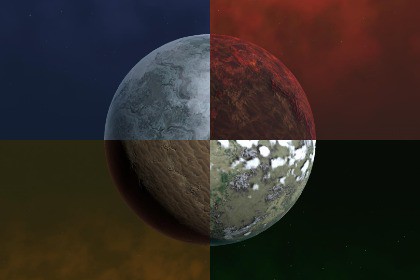
Planet Generator, a procedural planet map and surface tool for Unity 6 and the Universal Render PipelinePlanet Generator guides the user through five editor stages: heightmap generation, biome generation, cloud map generation, surface setup, and texture export.The package contains:The PlanetGeneration.prefab entry point and PlanetGeneration component.The HeightmapGenerator, BiomeGenerator, and CloudmapGenerator components for generating maps.The PlanetSurfaceGenerator component and URP shader for previewing the configured surface on a planet model.The PlanetTexturesGenerator component for exporting a URP Lit material and texture maps.Preview materials and shaders used by the generation stages.---Open Heightmap and press Generate. The generated map is assigned to Planet Generation. Save to File is optional when a standalone heightmap asset is needed.Open Biomes and press Generate.Open Clouds and press Generate.Open Surface, configure the surface, and press Apply Changes.Open Export, press Generate URP Lit Material, and select a folder inside the project's Assets directory.---- HeightmapGenerator builds a deterministic procedural heightmap from its seed and detail settings. `Map Resolution` sets the map width; the output is equirectangular at a 2:1 width-to-height ratio.- BiomeGenerator derives biome weights from the heightmap and its temperature and moisture settings. The generated biome map is assigned to Planet Generation.- CloudmapGenerator generates a cloud coverage mask from its seed, resolution, coverage, scale, detail, and shape settings. The generated cloud map is assigned to Planet Generation.- PlanetSurfaceGenerator combines the heightmap, biome map, cloud map, sea level, and configured surface textures and colors for the planet preview. Realtime Preview applies changes as settings change; Apply Changes explicitly applies them.- PlanetTexturesGenerator exports Planet_URPLit.mat, Planet_BaseMap.png, Planet_HeightMap.png, Planet_NormalMap.png, and Planet_MetallicOcclusionSmoothness.png for URP Lit.Keep in mind that the generator itself is quite resource-intensive within the editor. Do not use it at runtime. Generate the required textures and use them with the provided shader or a standard shader, or use the raw maps for your own custom shader.AI tools were used as assistants for coding, documentation, and creating images for this package’s Asset Store listing.

