






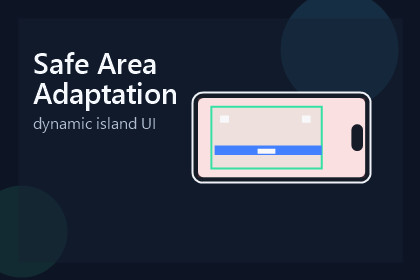
Safe Area Adaptation is a Unity UI library for keeping important content inside the device safe area while still allowing decorative elements to bleed to the full screen.Safe Area Adaptation is a lightweight Unity UI toolkit for handling notches, rounded corners, and asymmetric safe areas without breaking your original screen layout.It helps you separate protected UI content from full-screen decorative elements, so buttons, text, HUD, and dialogs stay inside the safe area while backgrounds, banners, and edge decorations can still bleed to the device edges.Key benefits:Keep important UI elements away from notches and cutoutsPreserve a fixed design resolution workflowAllow full-screen backgrounds and decorative art to remain visually immersiveUse built-in editor tools to configure design size and refresh layoutsPreview behavior with Unity Device SimulatorStart quickly with included documentation and demo sceneSafe Area Adaptation is ideal for mobile games and apps built with Unity UI (uGUI) that need a clean, production-friendly safe area workflow.Unity version: 2022.3 or laterUI system: Unity UI (com.unity.ugui)Custom inspectors with setup guidanceIncluded editor tooling:Project Settings page for design width and heightLayout refresh tools for open scenes/prefabs and project assetsTroubleshooting documentationIncluded content:Demo sceneGetting Started documentationComponents referenceAdaptation modes guideFull-screen backgrounds with protected foreground UIUse cases:Notched devicesRounded-corner screensAsymmetric safe areasSupport email: litefeel@gmail.com

