




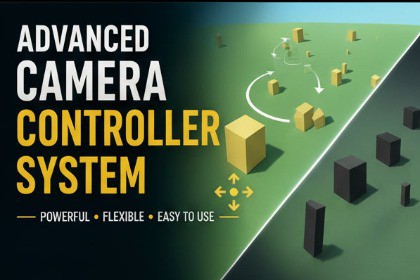
Advanced Camera Controller System - Professional free fly and RTS camera controls for Unity.Advanced Camera Controller System is a comprehensive camera solution for Unity that provides two essential camera controllers in one professional package. Whether you need to explore your scenes freely or implement top-down RTS-style panning, this asset delivers polished, production-ready controls.Includes Two Professional Camera Controllers:FreeFly Camera ControllerFly through your scenes with smooth first-person controls. Perfect for level design, scene exploration, and showcase purposes. Features WASD movement, sprint functionality, mouse look, and keyboard rotation with smooth interpolation.RTS Camera ControllerImplement professional RTS-style camera controls with drag panning. Ideal for strategy games, map navigation, and top-down viewing. Supports both desktop click-and-drag and mobile touch controls.Key Features:Two professional camera controllers in one packageSmooth movement and rotation with configurable smoothingSprint functionality with customizable multiplierMobile touch support for iOS and AndroidDesktop mouse and keyboard controlsCustomizable input bindingsPan limits for RTS cameraNo external dependenciesEasy drop-in integrationExample scenes includedClean, commented C# codePerfect For:RTS and strategy gamesLevel design and scene explorationVirtual tours and showcasesGame prototypingMap navigation systemsArchitectural visualizationSupported Platforms:Windows, Mac, Linux, iOS, Android, WebGLRequirements:Unity 2019.4 or higherElevate your Unity projects with professional camera controls today!Version: 1.0.0Unity Version: 2019.4.0 or higherPlatforms Supported:WindowsmacOSLinuxiOSAndroidWebGLScripts Included:2 C# scriptsFreeFlyCameraController.csRTSCameraController.csDependencies: NoneInput System: Legacy Input ManagerDocumentation: IncludedExamples: 2 demo scenes includedAI Usage DeclarationAI was used only for formatting, comments, and documentation.All core work — camera logic, movement, input, mobile touch, debugging, testing, optimization, and feature design — was done entirely by me.

