






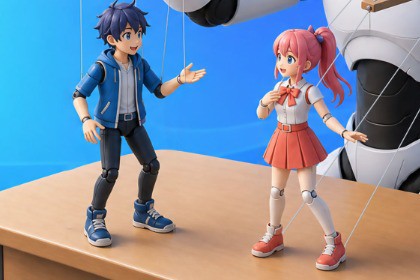
Create visual novel scenes in Game Creator 2 with image collections, backgrounds, animations, transitions, and an interactive visual preview.VisualNovel GC2 uses Unity UI and is render pipeline independent. The package does not include custom shaders or rendering features. Compatible with the Built-in Render Pipeline, URP, and HDRP.VisualNovel GC2 extends Game Creator 2 with tools for creating visual novels, story scenes, and dialogue sequences.Organize character images, backgrounds, and CG artwork into collections. Synchronize images from folders, validate keys, and create frame animations using Forward, Reverse, and PingPong modes.Dedicated Visual Scripting Instructions let you start and stop visual novel mode, display characters and backgrounds, play image animations, and control transitions.The Preview window scans supported Instructions, displays the assembled scene, and lets you edit images, text, actors, expressions, pauses, and sound effects.Suitable for visual novels, adventure games, RPGs, dating simulators, interactive stories, and cutscenes.Game Creator 2 Core, Game Creator 2 Dialogue, and Unity Input System are required. Inline Dialogue GC2 is used for editing speech lines in the Preview window. Dependencies are not included.Compatible with Unity 6.3 or newer.Tested with Game Creator Core 2.18.56 and Dialogue 2.5.17.Six dedicated Visual Scripting Instructions.Separate character and background image layers.Sprite and Texture2D support.Image collections with folder synchronization.Image sorting and key validation.Forward, Reverse, and PingPong animation modes.Configurable frame timing, looping, and transitions.Crop, Fit, Custom, and Disable aspect matching modes.Interactive visual scene preview.Editing of images, speech lines, actors, expressions, pauses, and sounds.Used and unused image detection.Configurable dialogue skip key.Render pipeline independent.Requires Game Creator 2 Core, Game Creator 2 Dialogue, and Unity Input System.

