






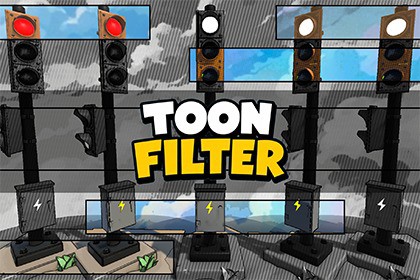
Toon Filter is a full-screen post-processing renderer feature for Unity 6 URP that transforms any scene into a cel-shaded / toon-art style — no per-material changes required.🌟 Why Toon Filter?Achieving a consistent toon look across an entire scene usually means replacing every material shader and maintaining a parallel set of toon shaders for every asset.Pignition Toon Filter takes a different approach — a single post-process pass applied after rendering, so your existing materials stay untouched and the effect is always globally consistent.Toon FilterA complete toon post-processing solution for Unity 6 URP.Add the Renderer Feature, drop a Global Volume into your scene, pick a Preset, and your scene is cel-shaded. From there, every parameter is exposed and tweakable — from shading step count to halftone dot size to outline thickness.Whether you're prototyping a comic-style indie game or adding a stylized filter to an existing project, Toon Filter gets you there without touching a single material.🚀 Key Features✔ Cel-shading with configurable step count and smooth band blending✔ Sobel depth + normal edge detection with adjustable thickness and bias✔ Highlight / shadow region tinting (Screen blend for highlights, multiply for shadows)✔ Halftone patterns — Ben-Day Dots, Diagonal Lines, and Crosshatch✔ Emissive protection — self-luminous surfaces bypass cel-shading automatically✔ Edge dilation for thick, uniform silhouette lines✔ 7 built-in style presets — Bold Cartoon, American Comic, Anime, Comic Sketch, Flat / Vector, Black & White, Retro Comic✔ No per-material changes — works with any existing URP material✔ Unity 6 Render Graph API — forward and deferred rendering paths supportedIdeal for indie developers, technical artists, educators, and anyone who wants a stylized toon look without rebuilding their material pipeline.📘 DocumentationToon Filter

