






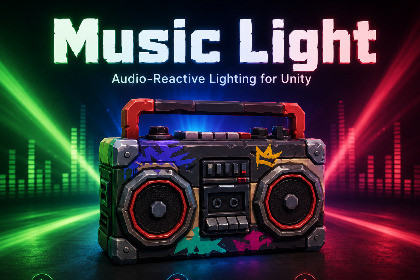
Music Light is an audio-reactive lighting and object animation tool for Unity. It turns any AudioSource into smooth beat-driven lights, color motion and scale effects.Music Light is an audio-reactive lighting and object scaling tool for Unity.Add a component to a Light or GameObject, assign an AudioSource, and your scene starts pulsing to the beat — without animations, timelines, or manual keyframing.You can quickly create effects from the Unity menu:Window → Music Light → Add Beat LightWindow → Music Light → Add Beat ScalePress Play and see the result immediately in Play Mode.Music Light is designed to react smoothly to music, not to shake or flicker like a raw FFT visualizer. It uses an envelope-based response with fast attack, slow decay, noise gate, and smoothing, so lights and scale changes feel more like controlled club lighting instead of a noisy audio spectrum.The package includes fine control for both lights and objects:Lights can react through brightness, color, gradients, and strobe.Objects can react through uniform scale or per-axis scale.Four frequency bands are available:BassMidTrebleFullUse bass for strong beat-driven pulses, treble for lighter flicker-style motion, or full range for general music response — without manually tuning every track.Music Light also includes an extensible MusicReactor API. Main features:• Audio-reactive lights and object scaling for Unity• Works with Unity AudioSource• No animations or timelines required• Quick setup through Window → Music Light• Add Beat Light from the editor menu• Add Beat Scale from the editor menu• Instant preview in Play ModeLight reaction:• Brightness control• Color control• Gradient support• Strobe supportObject reaction:• Uniform scale• Per-axis scaleAudio analysis:• Envelope-based response• Fast attack and slow decay• Noise gate• Smoothing• Designed to reduce unwanted flickering from raw FFT-style behaviorFrequency bands:• Bass• Mid• Treble• FullRuntime/API:• MusicReactor base class• Ready-to-use audio analysis• Access to Level• Access to Output• Beat event• Change AudioSource at runtime• Change frequency band at runtime• Extend behavior with custom scriptsprops for demo scene

