






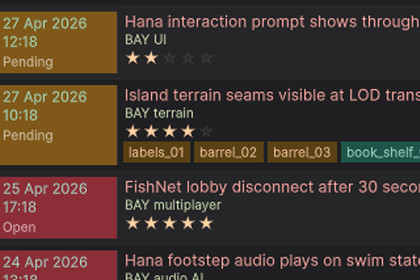
Track bugs, fixes, gameobjects, file assets and screenshots without leaving Unity.Dev Log is a developer journal that lives inside the Unity Editor. Log problems, solutions, attached files and screenshots as you work.FeaturesProblem / Solution two-column layout with Open, Pending, Solved statusDifficulty rating and tags with one-click filtersDrag and drop files and scene objects from Project or HierarchyScreenshot capture with automatic OS folder detection (Windows and macOS)Built-in screenshot annotator with pen, zoom and panExport entries to CHANGELOG.mdEditor-only, zero runtime overhead, no build impactData stored locally as JSON and image filesOpen via Tools > Fables Alive Games > Dev Log or Ctrl+Shift+D.Unity Version: 6000.4 LTS or newerRender Pipeline: All (Editor-only, no dependency)UI System: UI ToolkitSupported Platforms: Windows, macOS (Editor only)Dependencies: NoneNamespace: FablesAlive.DevLog

