






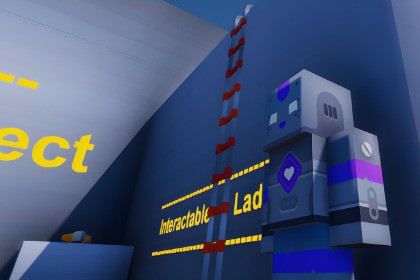
A modular Unity first-person interaction system with 6 interaction types, dynamic UI, and plug-and-play setup. Optimized for PC & mobile, ready for any Unity Version.CompatibilityUnity Versions: 6000.0.32f1 and abovePlatforms: Windows, macOS, Linux, Android, iOS, WebGLRender Pipelines: Built-in (URP and HDRP supported with minor adjustments)Input Support: Keyboard + MouseVR/AR: Not natively supported (requires custom integration)Bring your FPS games to life with this modular Interaction System, built for Unity 6 + and Earlier Version.Featuring 6 fully integrated interaction types — Animated, Carry, Inspect, Teleport, Switch-based, and Dialogue — this toolkit gives you everything to create immersive, interactive worlds without complex setup.✅ Dynamic, customizable UI – Crosshair changes, key prompts, and visual feedback.✅ First-person controller included – Optimized for PC & mobile.✅ Plug-and-play setup – Minimal configuration, maximum flexibility.✅ Unity 6 ready – Future-proof design with modern standards.Whether you’re building a story-rich adventure, a puzzle game, or an action-packed shooter, this system adapts to your vision while saving you weeks of development time.Unity Version: Compatible with Unity 6 and newerSupported Platforms: PC (Windows/Mac/Linux), Mobile (iOS/Android)Input Support: Keyboard & Mouse (basic version), Controller support planned for premium versionFirst-person dialogue system (NPC animations & camera zoom)Interaction Types:Animated interactionCarry / Drop / Throw objectsInspect (free object rotation)Teleport (e.g., ladders, portals)Switch-based (e.g., buttons, levers controlling objects)Mobile-friendly controls (basic)First-Person Controller:Walk, jump, gravityAdjustable mouse sensitivityVisual cues for interactable objectsUI Features:Dynamic crosshair changesInteraction key prompts with iconsCode: Fully C# script-based, modular architectureSetup Time: Less than 5 minutes, drag-and-drop readyDocumentation: PDF + YouTube tutorials for each interaction typePerformance: Optimized for both desktop & mobileArtifical Intelligence was used for the Documentation and Fixing Errors.

