






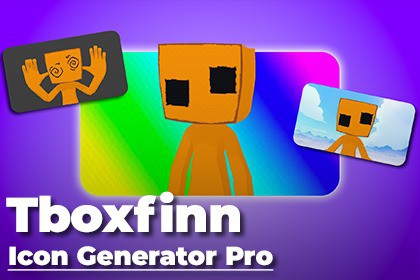
Editor tool that renders pixel-perfect icons from any prefab — 3D meshes, skinned characters, 2D sprites, or UI Images.Icon Generator Pro captures production-ready icons from any Unity GameObject in one click — directly in the Editor, without Play Mode. Drop in a prefab, pick a camera angle, configure your lighting rig, and get a Sprite asset in your Project window in seconds.🎯 Smart Source DetectionAutomatically identifies Skinned Mesh, Static Mesh, Sprite Renderer, and UI Image targets without any manual configuration.Adjusts bounds computation per source type for accurate framing every time.📷 Flexible Camera ControlsThree built-in angle presets — Front, Top, and Three-Quarter — plus a fully custom rotation mode.Zoom, field of view, and screen-space offset controls let you frame asymmetric or oversized objects precisely.🎨 Background CompositingRenders the object over transparency, then blends a custom background image on the GPU using a built-in composite shader.Per-image tint color and opacity slider for full creative control without external tools.💡 Three-Point Lighting RigFull key / fill / back directional light setup with individual color and intensity per light.Switch to Flat (single light) or Scene Light (use existing scene lighting) with one enum change.💾 Settings PresetsAll parameters live in a ScriptableObject — create named presets for different icon styles and swap them in one click.Version-control friendly; share presets across your team via source control.📂 Flexible ExportPNG (lossless, alpha) or JPG (quality 90) output to any project folder, created automatically if absent.Customizable naming patterns with {name} / {prefab_name} tokens.Auto-imports the saved file as a Sprite asset with correct alpha transparency settings applied.Unity 2021.3 or higher recommendedEditor + Runtime (capture pipeline; export is Editor-only)6 source files — EditorWindow, CaptureEngine, Exporter, Settings, Result, CoroutineRunnerNo external dependenciesInline GPU composite shader compiled at runtime via ShaderUtil; Built-in Render Pipeline; URP/HDRP requires shader adaptationCode refactoring and cleanup

