






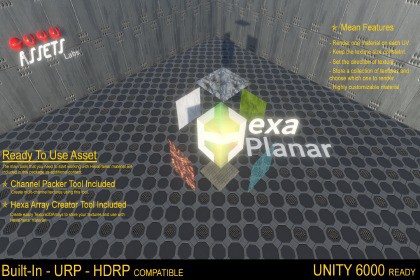
Control each plane of 3D space as diferent material. Have a library of textures at your disposal to use any time. These are some things that HexaPlanar material can do for you.HexaPlanar material use the object's surface orientation to isolate and gives individual controls for the six main directions of 3D space. In other words, you can control each of six faces of a cube for example. Not only the textures can be diferent. One face can be transparent and the others not, smoothness may have different values, one face can emit light and others not. It´s almost one material for each face.And there's more. You can pre-load a library of textures on HexaPlanar material and change then easy as a change of number, instantly.And if for some reason, you have to change the scale of you object, or work with the same object in different scale, you can choose if the textures will be resized with the scale or not, and more, if the textures moves with the object or not.Take the maximum control of your material and see what it can do in your project. 3 custom shaderHexaPlanar shader - Built-In RPURP_HexaPlanar shader - URPHD_HexaPlanar shader - HDRP3 Sample MaterialsChannelPacker.CS - editor script*HexaArrayCreator.CS - editor script*SecondaryWindow.CS - editor script*HexaMaterialCreator.CS - editor script*ScreenCapture.CS - editor script*HexaGUI.CS - custom shaderGUIHexaShaderGUI.CS - custom shaderGUIHDHexaShaderGUI.CS - custom shaderGUIHowToUse.PDF - documentationImportant: The list above is about the package content. The instalation content can change depending the scriptable render pipelines packages instaled on the project.*Additional content

