






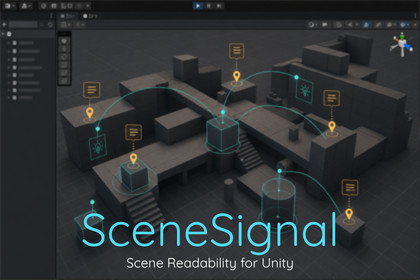
Editor-first Unity tool for scene readability: add 3D notes, labels, links, areas, and paths, then filter busy scenes by category and context.SceneSignal is an editor-first scene readability and annotation tool for Unity. It helps you understand busy scenes faster by placing notes, labels, links, areas, and paths directly in 3D space.Use the SceneSignal overlay to switch between Focus, Related, TODO, and Show All views, filter by category, and control exactly which signals are visible. Whether you are reviewing AI setups, spawn logic, level design communication, or general visual debugging context, SceneSignal helps you see the right information without turning the Scene view into clutter.SceneSignal is designed as a lightweight workflow layer rather than a giant framework. Passive metadata components and optional attributes store the data, while editor-only drawing handles the visualization. Included demo scenes and onboarding help you get productive quickly.Unity 2022.3 or laterEditor-first workflow with editor-only drawing and visualizationPassive metadata components for scene authoringIncluded components: SceneSignalMarker, SceneSignalNote, SceneSignalLink, SceneSignalArea, SceneSignalPathOptional attribute workflow for existing scriptsIncluded attributes: SceneLabel, SceneCategory, SceneColor, DrawRadius, DrawLineTo, DrawPathScene View overlay with presets: Focus, Related, TODO, Show AllVisibility modes: Selected, Related, Visible, AllDetail modes: Minimal and DetailedContent filters: Labels, Notes, Areas, Links, PathsCategory filters: Gameplay, AI, Audio, Spawns, Design, TODO, DebugHierarchy indicators and inspector hintsScene view waypoint handle editing for SceneSignalPathIncluded demo scenes: Basics, Advanced, ShowcaseDistributed as a regular imported Unity assetNo external service is required for package functionalityAI-assisted tools were used during ideation, documentation drafting, market concept and metadata exploration.

