






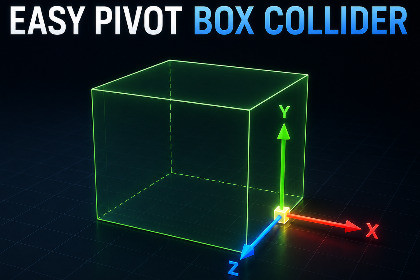
Professional editor tools to resize Box Colliders from any anchor and scale objects based on their visual bounds. Includes smart hitbox extraction to fix rotation issues on scaled models.This tool is a set of Editor scripts that operate independently of the rendering pipeline. It is fully compatible with Built-in, URP, and HDRP, as it focuses on Scene View manipulation and Physics/Transform adjustments.Box Collider Anchor Tool is a powerful editor extension that redefines how you handle physics shapes and object scaling in Unity. It eliminates the frustration of manual coordinate math by allowing you to drag collider faces relative to any anchor point—faces, edges, or corners.Key Problem Solved: Non-Uniform Scale RotationWe’ve all been there: you scale a mesh, and suddenly the Box Collider won't rotate properly. Our "Extract to Rotatable Hitbox" feature creates a clean hierarchy automatically, allowing for pixel-perfect rotation on any skewed model without breaking the physics engine.Perfect for:Level Designers building complex environments.Developers who need rapid, precise hitbox adjustments.Creators working with non-uniformly scaled assets.Features:Anchor-Based Resizing: Drag collider faces from 26 different anchor presets (corners, edges, face centers).Visual Control Vectors: Intuitive RGB-coded handles for X, Y, and Z axis manipulation directly in the Scene View.One-Click Fitting: "Fit Bounds to Renderers" automatically calculates the perfect collider size based on all child meshes.Smart Hitbox Extraction: Automatically decouples colliders from skewed transforms into a rotatable hierarchy.Full Revert System: Easily merge hitboxes back to the original mesh with a single click.Multi-Object Support: Edit multiple colliders or objects simultaneously to save hours of manual work.Lightweight & Clean: Pure Editor scripts with no runtime overhead or dependencies.Compatibility:Supports Built-in, URP, and HDRP.Works with Unity 2021.3 LTS and newer (including Unity 6).AI was used to generate and recreate the user interface (UI) graphics, icons, and textures based on original interface concept layouts and reference images.

