






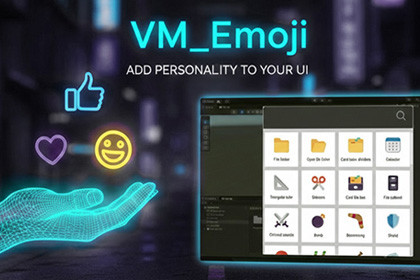
A powerful Editor tool that provides instant access to 1,662 Unicode 17.0 emojis and 142 Dingbats symbols. Enhance your custom inspectors, debug logs, and editor UI with just a click!Add Personality to Your Unity Editor UI!Emoji Overview Window is a lightweight, powerful Unity Editor tool that provides easy access to the Unicode 17.0 emoji standard and classic Dingbats directly in your editor. Perfect for developers who want to enhance custom inspectors, editor windows, and debug messages with visual indicators.Browse, search, and copy 1,804 carefully curated symbols (emojis + dingbats) organized into 10 categories:😁 Smiles, 🙋 People, 🐶 Animals, 🍉 Food, ✈️ Travel, 🎲 Activities, 💡 Objects, ☢️ Symbols, 🚩 Flags142 unique Dingbats decorative symbols (✓✕✗★➡➕➖ and more!)🎯 Common Use Cases:Custom Inspectors: Add visual flair to your `EditorGUILayout` headers and categories.Debug Logs: Make console messages instantly readable (e.g., Debug.Log("✅ Success!");).Editor Windows: Create intuitive UI buttons and toolbars.✨ Key Features:Smart Filtering: Composite emojis and duplicates are filtered out for a clean, single-glyph "square" display.Lightning Fast Search: Keyword filtering across all categories (Press Ctrl+F / Cmd+F).One-Click Copy: Click any symbol to instantly copy it to your clipboard.Zero Runtime Overhead: 100% Editor-only tool. Does not bloat your game builds.Recompilation Safe: Your window size, position, and search settings are preserved during code changes.Dark & Light Theme Support.While this tool is designed for Editor workflow convenience, the emojis are standard Unicode characters. To display them in runtime UI (builds), your project must use fonts with Unicode emoji support (e.g., NotoColorEmoji for TextMeshPro).I used Gemini AI as a text-formatting assistant for the store description, documentation, and to help generate the base background graphic for the promotional cover image.

