






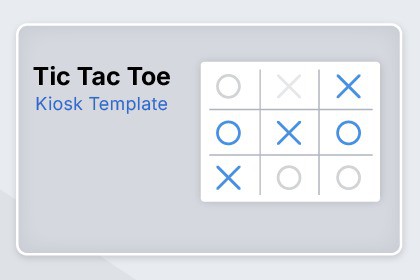
Tic Tac Toe - Kiosk & Interactive Installation Template
Sattva Lab Interactive
$10.99
(no ratings)
Jump AssetStore
Tic Tac Toe template for kiosks and interactive installations with responsive UI, idle auto-return, 1–2 players, CPU AI, themes and CSV match export.Tic Tac Toe template designed for touchscreens, kiosks and event installations.Includes a complete screen flow (Start / Game / End / Settings) with a responsive UI and a simple configuration panel for quick setup during public demos and installations.The project is built to be easily adapted for branding: replace logos, adjust colors, and create your own themes by simply swapping images and colors.Key features:Game modes: 1 Player (CPU) or 2 PlayersBoard presets: 3x3 (Win 3), 4x4 (Win 4), 5x5 (Win 4)CPU difficulty: Easy, Normal, HardTheme system using StreamingAssets for easy reskinningIdle auto-return for kiosk environments (returns to Start when inactive)Persistent statistics (matches played, wins, draws)CSV match history export (one row per match with timestamp, mode and difficulty)Suitable for tablets, touch displays, stand demos and interactive installations.Notes:Some visual assets included in this package were created using Google Fonts licensed under the SIL Open Font License. See Third-Party Notices.txt included in the package for details.Compatible with Unity 2021.3 or newerTested with Unity 2021 LTS and Unity 6 (6000).Scenes included: Start, Game, End, SettingsResponsive UI using Canvas ScalerGame modes: 1 Player (CPU) and 2 PlayersBoard sizes: 3x3, 4x4, 5x5 with configurable win lengthCPU difficulty levels: Easy, Normal, HardTheme system based on StreamingAssets foldersIdle auto-return system for kiosk usePersistent statistics systemCSV export for match history (single file)No external dependenciesWindows, AndroidSupported OSWindows 10/11, Android 8.0+AI/ML disclosure textAI tools were used to assist with drafting and refining code and documentation. The final codebase and content were implemented, reviewed, and tested by the publisher.

