






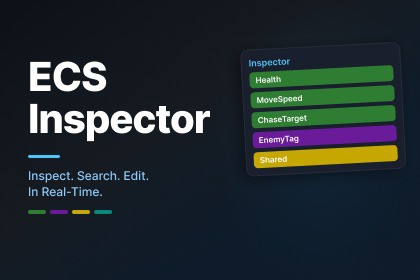
A professional runtime inspector and search tool for Unity ECS(Entities). Inspect, edit, and query entity component data with custom attributes and a polished interface.Unity's built-in ECS tooling gives you the basics, ubt debugging DOTS projects demands more. ECS Inspector gives you the missing tools.Inspector Window - Select any entity and see all its components with real-time data. Click to edit scalar fields and vector axes. Undo/redo support, enableable component toggels, and dynamic buffer expansion built in.Search Window - Build multi-condition queries to find entities across your world. Filter by component presence (HAS/NOT) or field values (Health > 50, Team == 2). Queries run on Burst-compiled IJobChunk for speed.Attribute System - Decorate your IComponentData fields with 9 custom attributes to control how they display in the Inspector: progress bars, sliders, color swatches, section headers, tooltips, read-only fields, clickable entity references, and more.Extensible - Create your own attribute processors by implementing a single interface. The registry discovers them automatically.Built with UI Toolkit. No IMGUI. Designed to feel like a native Unity tool.Real-time entity component inspection with click-to-edit fieldsPer-axis vector editing (float2, float3, float4, quaternion)Undo/redo ring buffer for all editsEnableable component toggle (IEnableableComponent)Dynamic buffer element expansion (IBufferElementData)Multi-condition query builder with Burst-compiled executionSave/load persistent queries9 built-in field attributes: Header, Space, ReadOnly, HideInInspector, Tooltip, Range, ProgressBar, Color, EntityRefProgressBar supports 3 preset gradients + custom two-color gradientsExtensible processor pipeline (IFieldAttributeProcessor)Bidirectional selection bridge with Unity's Entity HierarchyUI Toolkit with shared USS design systemSupports Entities 1.3.x and 1.4.xRequires Unity 2022.3 LTS or newerFull HTML documentation includedAI was used as a coding assistant for bug fixing and research during development. All architecture decisions, feature deisgn, and UI/UX were made by the developer. All code was manually tested and iterated in the Unity Editor. No AI-Generated art or assets are included.

