






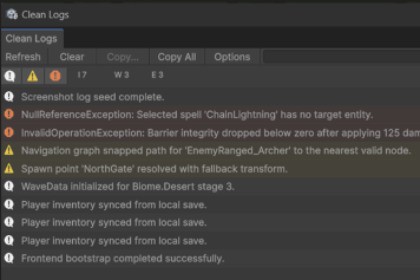
Clean Logs is a Unity Editor package that makes day-to-day log triage faster and cleaner than the built-in Console.Clean Logs is a Unity Editor console companion for faster log triage. It helps you filter noisy logs, collapse duplicates, open source files quickly, copy cleaner bug-report text, and move through stack traces without replacing Unity’s built-in Console.Great for developers who spend a lot of time debugging warnings, errors, and exceptions and want a cleaner day-to-day workflow inside the editor.Search across message text, full log text, and resolved source pathsSeverity icon filters with warning/error highlighting and adjustable highlight intensityDuplicate collapsing with per-row countsDouble-click or press Enter to open the primary source fileOptional stack frames in the details pane with per-frame Open buttonsCopy modes: Clean, Stack, and RawClear split button with Clear on Play, Clear on Build, and Clear on RecompileError Pause toggle that mirrors Unity Console behaviorSource-column toggle for a wider single-column viewMute rules for specific messages or source filesCompact right-docked layoutPersistent window state between editor sessionsEditor-only package, no runtime code includedRecommended for Unity 6 or newerOpen from Window > Analysis > Clean LogsWrote the description and tool-tips using AI.

