






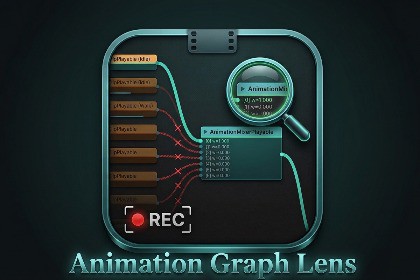
Visualize and debug Unity PlayableGraph animation trees in real time during Play Mode — weights, states, clip timing, and anomalies all in one Editor window. With a RECORDING feature!Animation Graph Lens is a Unity Editor window that makes your PlayableGraph visible while the game runs. It is aimed at animators and gameplay programmers who need to understand how clips, mixers, and layers are connected — and why the character on screen isn't doing what it should.The tool displays every playable as a node, every connection as an edge, and every weight as a live-updating value. The Heatmap mode colours the entire graph by contribution: full-weight branches glow green, inactive ones fade to pink, so the broken path stands out without reading a single number.A built-in recording system (REC) captures frames into a ring buffer at up to 60 FPS. When you pause Play Mode, the scrubber lets you step through recorded history frame by frame to find exactly when something went wrong. The Anomalies strip compares each frame to the previous one and automatically flags suspicious changes — weight snaps, unexpected clip endings, topology shifts, and more.The Inspector panel shows per-node detail on click: type, state, weight, timing, clip name, duration, progress percentage, and input slot breakdown.- This tool is used in our internal Game production, i thought you might need it as well! Visualizes any Unity PlayableGraph in real time during Play ModeNode graph canvas with pan, zoom, and optional Auto LayoutHeatmap mode: edges and nodes coloured by weight contributionClip progress bars showing playback position on AnimationClipPlayable nodesREC system: ring buffer recording at 15, 30, or 60 FPS (up to 120 frames)Frame scrubber: step through recorded history while pausedTime scale presets (0.2×, 0.5×, 0.7×, 1×) for slow-motion inspectionInspector panel: weight, state, health, timing, clip name, duration, wrap mode, eventsAnomaly detection: WEIGHT, DONE, TOPO, UNBOUND, DESTROYSearch filter: dim non-matching nodes by name across the full graphAuto Frame Active / Auto Frame All: keep the camera on the graph automaticallyRight-click context menu: Unpin All Nodes, Reset ViewStatus bar: live readout of mode, node/edge/output counts, and buffer fillWe use AI for debugging and testing code. Also for the tool's icon.

