






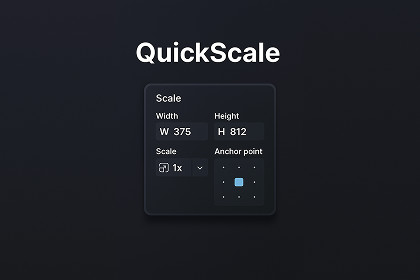
Scale UI elements proportionally with a single click.Figma-Style UI Scaling for UnityScale UI elements proportionally with a single click. QuickScale intelligently scales not only RectTransform dimensions but also all related component properties — font sizes, layout padding, spacing, and more.Key FeaturesFigma-Style Proportional ScalingScale UI elements and their entire hierarchy proportionallyMaintains visual consistency by scaling size, position, and all child elementsWorks exactly like Figma's scale tool — intuitive and predictableIntelligent Component ScalingAutomatically scales properties for:Text & TextMeshPro — Font sizes (including auto-sizing min/max)Layout Groups*— Horizontal, Vertical, and Grid layout padding & spacing-Layout Elements — Min/Preferred width and heightExtensible Component Scaler SystemAdd support for ANY component via the Component Scaler RegistryBuilt-in editor window to register custom scalers without code-Property-based scaler for quick configuration using reflectionImplement `IComponentScaler` interface for full controlFull Undo SupportComplete Undo/Redo integration with Unity's native systemSingle undo step for entire scaling operationsSafe workflow - never lose your work** Any UI layouts, fonts, icons, or visual assets shown in screenshots or videos are for demonstration purposes only and are not included in this package unless explicitly stated. They are used solely to showcase the functionality of QuickScale.- Unity 2020.3 or newer- TextMeshPro package (for TMP support)I have used vs code co pilot clude 4.5 to consult with and generate part of the scripts.

