






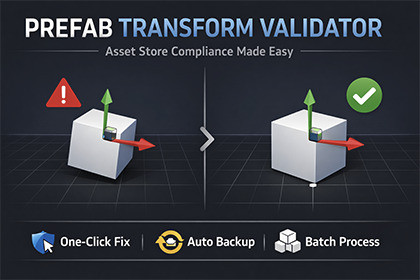
Scan, validate, and auto fix prefab root transforms to pass Unity Asset Store submission. One click batch processing with automatic backups.Unity Asset Store requires all prefab root transforms to have exact default values: Position (0,0,0), Rotation (0,0,0), and Scale (1,1,1). Even a tiny 0.0001 deviation causes rejection. Manually checking hundreds of prefabs is tedious and error-prone.----> Prefab Transform Validator automates this entire process.One-Click ScanningInstantly scan your entire project or specific folders. Get a clear report showing which prefabs pass and which need fixing.Smart Auto-FixThe Re-Root algorithm resets root transforms while preserving all child object positions, rotations, and scales. Your prefabs look exactly the same, just with compliant root transforms.Automatic BackupsEvery fix operation creates a timestamped backup with preserved folder structure. Roll back anytime with confidence.Batch ProcessingFix all invalid prefabs at once or select specific ones. Process hundreds of prefabs in seconds.Detailed ReportsExport validation results to CSV or JSON. Perfect for QA documentation or team review.Folder FilteringInclude or exclude specific folders from scanning. Focus on what matters.Dry Run ModePreview what would be fixed without making any changes.CLI AutomationBuilt-in API for headless automation and CI/CD integration.Editor Window- Scan - Run validation with progress tracking- Results - Browse, filter, and select prefabs- Fix - Apply fixes with backup options- Settings - Configure paths and behavior- Logs - View operation historyPrefab Support- Regular Prefabs - Full support- Variant Prefabs - Full support- Model Prefabs (FBX/OBJ) - Identified as unfixable (requires source file adjustment)Why You Need This- Save hours of manual prefab inspection- Avoid Asset Store rejection delays- Maintain consistent prefab standards across your team- Automate validation in your build pipelineQuick Start1. Open via Tools > BoneCracker Games > Prefab Transform Validator2. Click Scan All Prefabs3. Review results4. Click Fix All Invalid5. Done - ready for Asset Store submissionRequirements- Unity 6.0 or newer- Editor-only (no runtime overhead)SupportDocumentation included. Contact through Asset Store publisher page.

