






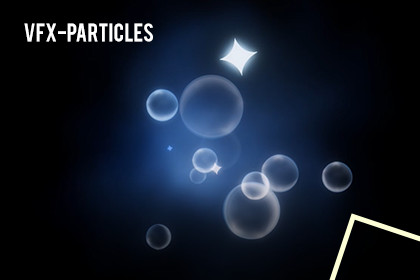
Particle effects—each shipped with multiple color variations—so you can drop instant impact into any project.From drifting Dust Bubble ambience to punchy Spark Explosion bursts and fluid Water Splash Hit impacts, every effect is clean, performant, and easy to tweak. Perfect for action games, magic systems, UI flourishes, and stylized cinematics.Includes 3 effects (each with color variants):· Dust Bubble· Spark Explosion· Water Splash Hit (Burst)How To Use?· Import the package into your Unity project.· Open the Demo Scene, enter Play Mode, and press Left Mouse Button to cycle the next effect.· Drag & drop any Prefab into your scene to use it directly.Customization:1. Adjust particle propertieso Tune Start Color, Start Size, Start Speed, Lifetime, Emission Rate, Bursts, and Shape in the Particle System Inspector.o Swap Textures for custom patternso Recommended material properties:§ Color (HDR) – core tint and glow intensity (supports HDR for bloom).§ MainTex (Texture2D) – base texture for runes, streaks, bubbles, or animated energy.2. Color variantso Duplicate a prefab and adjust Color/Gradient for instant new looks.3. Post-processing (optional but recommended)o Use Bloom to enhance glow; tweak Intensity and Threshold for your scene lighting.o Add Chromatic Aberration or subtle Vignette if desired for impact moments.1. Prefabso Ready-to-use prefabs for Dust Bubble, Spark Explosion, Water Splash Hit, plus multiple color variants.2. Scriptso A minimal demo script to iterate effects in Play Mode (Left Click to next).3. TexturesA curated set of textures used across the effects (streaks, droplets, bubbles, noise).Technical details:Note: Post-processing setup is required in Built-in RP to achieve the showcased glow.Texture : 2048 B/W 2048Texture type : 2DAlpha Source: Input texture alpha.

