






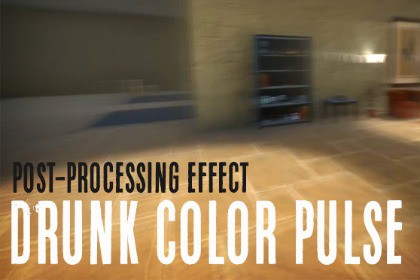
Drunken (dizzy) full-screen camera effect with a pulsating color overlay for the Unity post-processing stack.Requires Post Processing Stack v2The trails, color overlay, and pulsation effects can be enabled and configured for use in any combination.Usage Instructions:Simply press "Add effect..." on your post-process volume and select SynapticResponse -> DrunkColorPulse.Configurable Parameters:Overlay ColorOverlay Maximum IntensityPulse EnabledPulse SpeedTrail Blur StrengthPost-processing effect for the Unity built-in render pipeline. Requires the Post Processing Stack v2 (installable from the "Post Processing" package in the Unity Package Manager). Built using a custom fragment shader.

