






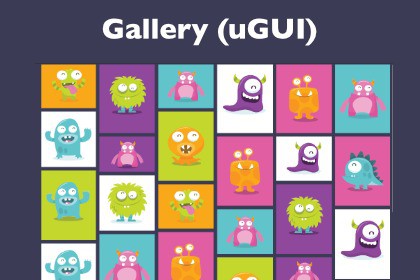
Professional galleries for your images: grid, masonry, slideshow, carousel.Display a set of images in a nice-looking gallery, e.g. as carousel or masonry. Users can switch between the gallery and a detail view of one image.The predefined prefabs work out of the box. Just drag them into your UI Canvas and define which images should be displayed. Alternatively, you can arrange your own design with customizable components.Images can be loaded from the Assets folder, from a directory in the file system, or by script.The extensible architecture allows the combination of multiple images and textual data. This means, the galleries can also be used for a nice-looking selection of characters or levels.WebGL DemoDocumentationFeaturesDifferent galleries:MasonrySlideshowCarouselGrid viewThumbnail barFlexible data:Combine multiple images and textsFlexible visuals:The displayed data can be highly customized.Images and text elements can be combined via bindings, without any need for coding.TransitionsChoose from several transitions like slide, zoom, fade. This requires an external package DOTween.Thumbnails:Faster display by showing thumbnails before loading large imagesSupported environments:uGUIWindows, Android, iOS, WebGL, VRUniversal Render Pipeline, Built-In Render PipelineNew and old input systemScreenspace and worldspace canvas

