








VR Command Console - Keyboard-Free Runtime Console
LongDeveloper
$7.50
$15.00
50%OFF
(no ratings)
Jump AssetStore
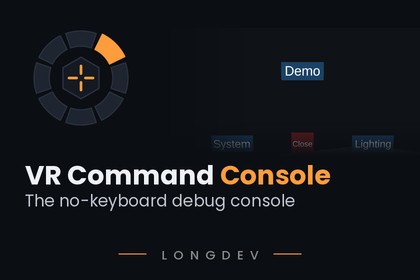
There’s no dedicated keyboard in a headset.Debug actions in a VR prototype end up as hotkeys you can’t press or gestures you have to invent. VR Command Console fixes that. Add [ConsoleCommand] to a method, property or field and it appears as a button in a radial menu that you can point at, shoot, poke or click.[ConsoleCommand("Enemies/Spawn Wave")] void SpawnWave() { ... }Commands sort themselves into groups. Bools become toggles and enums become one button per value. Numbers get a stepper ring, and risky actions can ask “Sure?” before they run. A status line under the ring shows the result of each command.It works with any OpenXR headset straight away, and also with XR Interaction Toolkit or your own gun or hand ray. On desktop you can test with the mouse. When you ship, the console is removed from release builds automatically and your attributes still compile.Roadmap:Nested groupsFavourites and recentsMultiple parameters per commandMore parameter types (vector3, color, transform)SupportDiscord channel for questions and support

