








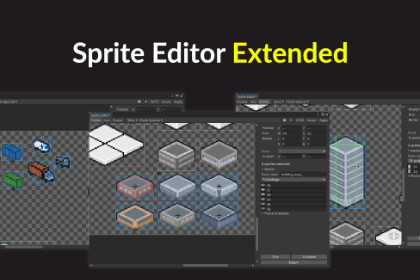
Sprite Editor Extended provides quality of life additions and improvements to the sprite editing process via a new editor window.Select as many sprites as you like and edit their position, size, 9-slice border and pivot in one go, rename a whole selection at once, and copy rect settings from one sprite or texture to another.It sits alongside Unity's Sprite Editor instead of replacing it, adding a new "open" button to a sprite's asset inspector. Custom outlines, physics shapes and secondary textures are still edited in the built-in window, which stays one click away.Quality of Life Features!Multi-select support.Easy copy & paste of rect data.One-click trim, combine, and export to PNG.Move a rect with arrow keys.Hold ctrl to snap a pivot to an alignment point.And more!Opening the editorThere are a few ways to open the new sprite editor window:Tools > Nomnom > Sprite Editor ExtendedDouble-click a sliced spriteThe “Open in Sprite Editor Ex” button at the top of a sprite asset’s inspectorRight-click an object field and click “Open in Sprite Editor Ex”Each of the last three can be turned off in the preferences.

