








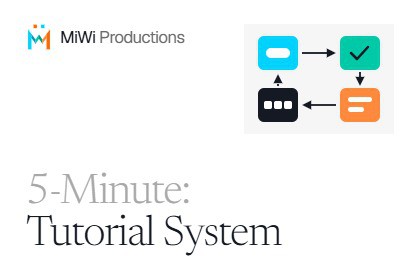
Your tutorial, live in 5 minutes, not 5 days.Every game needs onboarding. Almost no team wants to build the system behind it.So it gets built at the last minute, with hard-coded popups, a custom shader for the dimmed overlay and strings baked into prefabs. It works for the first tutorial and breaks by the fifth.5-Minute: Tutorial System tackles this challenge.It gives you a ready-made, well-tested system for creating tutorials quickly. It comes with prepared prefabs, directly for your project or for customization and a set of handy tools, which will make your tutorial creation process easier than ever.It's based on 4 building blocks:Signal: One line of code, or any UnityEvent.Condition: asks “is this true right now?” Combine signals, time and input.Step: one tooltip, dialog, toast or pointer. Sequence: groups steps and creates the final product.Use them and have your first tutorial up and running in 5 minutes with our system. Feature Highlights.Easily plug into your own time, save and localization systemsFully new editor window for tutorial setupsSpotlight any UI element or world object, with a rounded or elliptical cutoutPulsing outline and pointer arrow that follow moving targets every frameClicks inside the spotlight reach your game, while clicks outside can be blockedA different highlight on every page of a dialogReal branching on Completed vs. Skipped outcomesSkip one step, a whole sequence or everything, using drop-in skip buttonsSequential and parallel sequences, priorities and prerequisitesUI Kit with many prefabs: dialog, anchored tooltip, toast, target pointer, input prompt and skip buttonDevice-aware input prompts that switch between keyboard and gamepadSkip engineering the system. Focus on your game.SupportEmail · Website

