








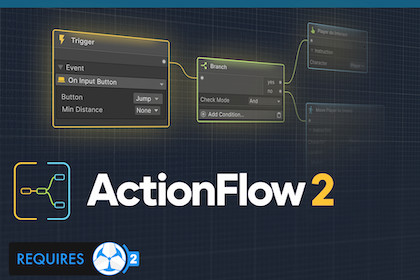
⚠️ NOTE ⚠️ActionFlow is an extension for Game Creator 2 and won't work without it!---ActionFlow 2 completely revolutionizes the way you work with Game Creator 2.No more cluttering the inspector with endless instructions. Work natively with a clean, node-based view. Just view existing GC2 components on any GameObject as ActionFlow graphs.Start using Game Creator 2 your way!Documentation | Website | Discord---⭐️ FEATURES ⭐️Open Triggers, Instructions, and Conditions directly in an ActionFlow Graph.Works with any current and future module, 3rd party extension, or Hub content.Fully native workflow. Drag and drop GameObjects and components right into your ActionFlow graph.Powerful Branch and Flow nodes for clean game logic flow in a graph.Asset graphs with parameters for reusable, modular GC2 behaviors.Prefab support opens graphs on prefab assets and instances.More intuitive than nested branches piling up in the inspector.Keep your graphs organized with placemats and sticky notes.Quickly pan and zoom your graph, and use a minimap to navigate.Efficiently add nodes by text search, or browse by category.No need for extra runner components, blackboards, or embedding (like SM2).No added state machine complexity, just plain and native Game Creator 2.Auto-layout large graphs for a tidy overviewWork your way: single or multiple instructions in a node.Compatible with Unity's latest fast Play Mode options.Node and Branch-path highlighting in Play Mode for live debugging.Editor only. Zero performance overhead in your builds.Live editing of node values while running.Seamlessly switch between (and mix) node-based and inspector-based workflows.Copy/paste nodes between graphs.Native LogicBlock support. Open your LogicBlock assets as graphs.Does not rely on third-party serializers, providing a clean and future-proof solution for your project.Third-party licensingThis asset uses Tabler Icons and Phosphor Icons under the MIT license. See Third-Party Notices.txt in the package for details.

