






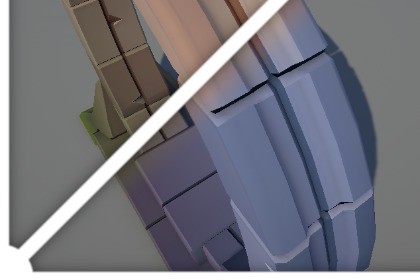
Vertex ReColor was made for fast and simple creation of model's vertex color variations with focus on props/environment.
Only editor script is included.
Skinned mesh is not supported!1. Place your object with Lod Group/Mesh Filter into "Target" field (Skinned mesh is not supported!)2. Click "Search for vertex colors"- it will provide on-start vertex colors(so you can to use this button again later if you want to apply changes and continue recolor. Note: Don't forget to export in the end)3. Change Hue/Saturation/Value sliders as you wish.4. You can to use Tint Color to "multiply" model with one color.5. "Rewrite Alpha" checkbox enable access to Gradient using and Base alpha slider(It means how low it can be) Gradient have 2 vector3 parameters: Subtract means offset and Divide means how hard gradient will be(0.002 will be really hard and 1.0 will be soft)Note: Vertex Color Alpha should be supported in your shader to see difference.6.You can to Use gradient as tint mask checkbox and click "Search for vertex colors" again to apply gradient, setup it again and click to have stepped gradients on the model.7.Export meshes and assemble prefab will export model as .asset files and assemble them into a prefabTo use demo assets with BIRP/HDRP-unpack BIRP/HDRP shader.unitypackageDemo assets contains 2 models, 2 recolored variants, and a shader with vertex color supportThis tool provided as it is without guaranties/support. Use it for free/commercial purposes.Check my PolyFX asset if you like it!Hue/Saturation/Value slidersTint ColorSimple gradient with Offset/Hardness named Subtract/DivideVertex color alpha min value(0-1)Export as .asset files and assemble in one prefabSkinned mesh is not supported!To use demo assets with BIRP/HDRP-unpack BIRP/HDRPDemo assets:Rock_wall_01Stone_wall_01Stone_wall_01_RecoloredRock_wall_01_RecoloredVColor.shader (URP+BIRP/HDRP variants)

