






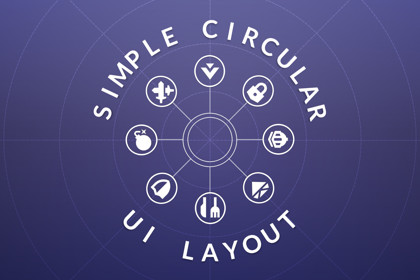
Easy-to-use circular layout tool for UI elements, with optional animations when adding or removing elements. Clean, flexible design with tons of options!Simple Circular UI Layout is an easy-to-use component for arranging UI objects along a circle, optionally animating the objects into place as new child objects are added or removed.Simply drag-and-drop the component onto a UI element and you're ready to go! No complicated install or setup. Additionally, you can enable animations so that individual elements in the layout will smoothly glide into place when added or removed. Works out-of-the-box alone or with DoTween Pro. Includes 3 detailed example scenes to demonstrate multiple ways of using the circular layout!Compatible with all UI canvas typesExtends the base Unity class LayoutGroup for easy extension and manipulationBuilt-in compatibility with DoTween Pro for animating, if you have it installed

