






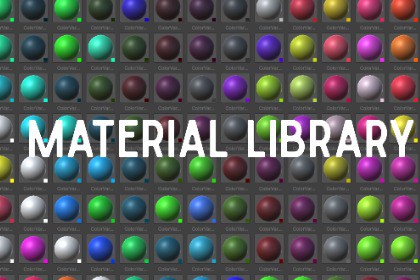
This tool will sort all your materials and make managing them something you will not have to worry about.Material library toolMaterial Library Browser is a powerful, artist‑friendly Unity Editor tool that makes browsing, organizing, and assigning materials faster than ever. Instead of digging through endless folders, you get a clean visual library of every material in your project — automatically scanned, categorized, and beautifully displayed.Perfect for environment artists, prototypers, shader creators, and anyone who wants a smoother workflow.Automatic Material ScanningThe tool instantly scans your entire project and collects every material — no setup required. Just open the window and your full library appears.Organized by Folder StructureMaterials are grouped into collapsible categories based on their folder paths. Your project hierarchy becomes your material library:Clean, intuitive, and always in sync with your project.Color‑Based Grouping (Dominant Color Detection)Materials can also be grouped by their dominant color, making it easy to find matching styles, palettes, or themes. Great for stylized games.Drag‑and‑Drop AssignmentAssigning materials has never been easier: Just drag a material from the library and drop it onto any object in the Scene or Inspector. Fast, natural, and perfect for rapid iteration.

