






Ultimate GameObject Replacer - Level Design Tool
Harpia Games Studio
$15.00
(no ratings)
Jump AssetStore
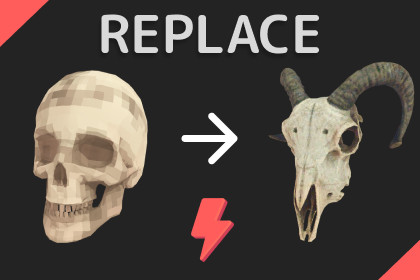
Easily replace your GameObjects in your scene with new prefabs. Supports bulk replacement with a range of powerful replacement options to suit your needs.Boost your Unity workflow with this powerful Editor tool! Effortlessly replace scene objects with prefabs—select, preview, and apply in moments.How It Works:Select objects to replace.Pick your new prefab.Preview the results.Apply changes to the scene.Key Features:Auto Preview: Experiment with multiple prefabs to find the best match. Select your prefab from the Project Window and automatically preview the changes.Super Intuitive: Clean UI, Easy to Use. Tooltips for every field.Bulk Replacement: Replace multiple GameObjects with prefabs in one operation.Powerful Options: Keep Name, Scale, Rotation, Static Flags, Parent, Layer, or Tag. Adjust replacement position with offsets.Advanced Settings: Multiple rotation, scale, and offset modes.Scene & Prefabs Objects: You can use both Scene Objects or Prefabs to replace your objectsNative Undo Support: Works with Unity's native undo system if any mistake happens.Live Transforms Preview: Preview transform changes live — scale, Rotation and Offset. Super intuitive to use.Easy Select: Multiple ways to choose objects, including quick selection of all prefabs sharing the same asset reference.Scale, Rotate, Move: Use Scene View Controls to easily adjust your replacements in batch mode.Prefabs Supported: Replace objects directly in the prefab asset.Randomization: Many options for randomizing scale, rotation and offset.Works With 2D Applications: Provide features to keep the original order in layer.Demo assets not includedThis is an Editor-Only ToolSupports any render pipeline.Editor Only Tool.

