






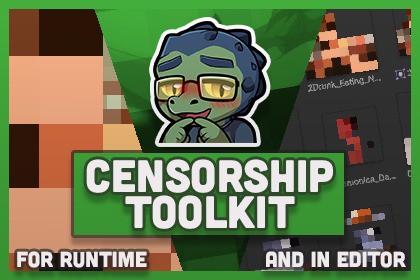
This utility lets you manually tag sensitive assets in your Unity project and automatically obfuscate (pixelate) them in both the Editor and Runtime environments.Censorship Toolkit: Tag-Based Censorship for Editor & RuntimeThis utility lets you manually tag sensitive assets in your Unity project and automatically obfuscate (pixelate) them in both the Editor and Runtime environments.You decide what should be hidden by tagging it manually.Use CasesWhether you're building adult games, working with confidential media, or just want a cleaner dev experience, this tool can help:Game Developers - Hide distracting or sensitive content while working on a project.Streamers - Safely show off live feed of your development or your game on Twitch/YouTube without violating platform rules.Narrative Teams - Blur key spoiler visuals (like character reveals or secret items).Studios - Work with placeholder or confidential media without showing it publicly.Players - Offer an optional censorship mode for sensitive in-game content.Key FeaturesManual Tagging - Only the files you tag will be censored.Editor Integration - Automatically obfuscates thumbnails and previews in the Unity Editor.Runtime Support - Blur flagged content in-game with a simple toggle.Safe for Teams - Non-destructive workflow, assets remain unchanged.Stream-Friendly - Quickly toggle visibility before going live.How It WorksTag assets using a simple keyword.When enabled, the utility obfuscates thumbnails and previews in the Editor.In Runtime, content can be automatically blurred or hidden based on player preferences or developer toggles.Make your workspace safer, your stream compliant, and your workflow distraction-free, with Censorship Toolkit.⚠️ This tool does not automatically detect sensitive content. The package contains no sensitive content, only sample photos of fruit for demonstrational purposes.

