







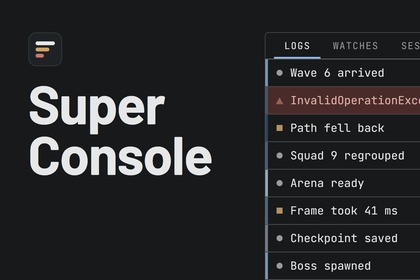
Super Console is a debug console that runs inside your game. It shows Unity logs, warnings and exceptions on screen in your build, on desktop and on phones, together with live watches and a command line.Try the Lite demo in your browserWhat's in LiteLOGS: Debug.Log, warnings, errors and exceptions from any thread. Search, level and tag filters, saved filter presets, markers, folded repeats, stack traces, copy and export.WATCHES: values you register are shown live, updated every frame or when they change. Objects expand into their members. Pinned watches stay on screen while the console is closed.Command line: static methods and delegates become commands. Arguments are checked as you type, with completion, history, named arguments and async commands you can cancel.SESSION: device, OS, build, memory and session time. Copy it or export it as JSON.Desktop and phone: an overlay on desktop, and separate layouts for phone portrait and landscape.Themes: Dark, Light, Source and Unity, and three text sizes. Colours are style tokens you can override.What Pro addsPERF: frame time split by category, a list of slow frames, and memory use.Editable watches: change watched values while the game runs. Colours open a picker.Payload trees: an object attached to a log call opens as a foldable tree of its members.Editor window: the console as a docked Editor window, with edit-mode and play-mode logs.Upgrading to Pro: import Pro into the same project. Code written for Lite compiles without changes. Try the Pro demoSuper Console makes no network calls and collects no data. Logs leave the device only when you export, copy or share them.

