







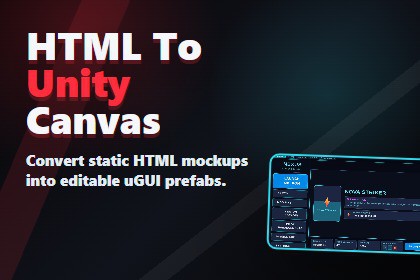
Designing game UI in the Editor is slow. Designing it in HTML, or asking an AI assistant for it, takes minutes. This tool bridges the two.Point it at a local .html file and get a real, editable uGUI prefab:• Every panel, card and button becomes its own GameObject with a RectTransform, not one flat screenshot.• Text becomes TextMeshPro, so you can still edit, localize and restyle it.• Rounded corners, borders and backgrounds become clean generated sprites.• Buttons become Unity Buttons, and multi-screen mockups get a panel router, so tabs and menus work right away.• Layout is measured by a real browser engine (Chrome or Edge, only while converting), so the result matches what you saw in the browser.Perfect for• Turning AI-generated UI mockups into game menus.• Bringing web-designer or prototype mockups into your project without rebuilding them by hand.• Fast menu, HUD, shop, inventory and settings screens for game jams and prototypes.How it works1. Tools > HTML To Unity Canvas > Converter2. Pick an .html file, or click "Try It" to convert the included demo.3. Click Convert. Your prefab is ready to drop into a scene.Good to know• Editor-only tool. Generated prefabs use only standard Unity components (Canvas, Image, Button, TextMeshPro) plus one small router script, so there is nothing extra at runtime.• Works on Windows, macOS and Linux with Chrome, Edge, Chromium or Brave installed.• Static HTML/CSS input. JavaScript logic, forms, video and remote URLs are not converted.• Fonts use your project's TMP font; assign your own after conversion.

