






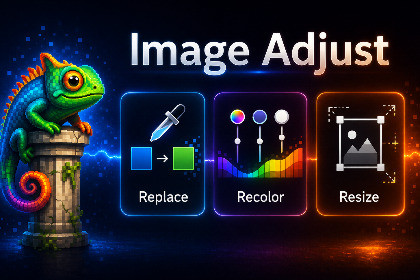
Image Adjust is a lightweight Unity editor tool that lets you quickly adjust brightness/contrast/saturation, replace colors, resize, crop canvas, and apply transforms with fast save options.DescriptionDesigned for fast iteration on imported textures and UI assets, Image Adjust lets you make essential edits, preview them, then quickly backup and save so you can immediately replace referenced assets - all without leaving Unity.FeaturesBrightness, contrast, hue shift, saturationGrayscale, invert, alpha clip thresholdFlatten Exposure workflow (highlight/shadow balancing)Color Replace with tolerance controls (hue/saturation/brightness matching)Replace with hue shift, flat color, or textureResize textures (pixels or percent)Resample modes: Nearest, Bilinear, Lanczos (quality control)Canvas tools: expand/shrink canvas or crop from sidesFlip horizontal/vertical and rotate 90°Before/after previewOverwrite, backup original, or save as copySupport & FeedbackWe’d love to hear bug reports, feature requests, and general feedback to improve our toolset, join the Intuitive Creative discord: https://discord.gg/wRyuGMdSEditor-only tool (no runtime impact)Automatically reimports modified assetsOperates on Unity Texture2D assetsDestructive edits applied directly to asset dataSupports PNG, JPG/JPEG, TGA, EXR source workflowsCompatible with standard Unity texture import pipelinesNo external dependenciesNo batch operations in free versionLicensed under the Unity Asset Store EULATested on Unity 6000.3.3f1To review and refine codebase, especially handling of mathematical functions.

