





KProjectView – Simple Project Window Extension
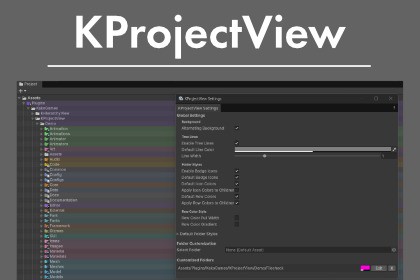
Extend your Project window with a cleaner, more organized view.Tree LinesVisualize folder hierarchy with tree lines, making parent-child relationships instantly clear.Expandable folders: Dotted linesFiles / non-expandable assets: Solid linesCustomizable line color and thicknessSmart Folder IconsBadge icons are automatically displayed based on folder names. Supports over 50 folder types including Scripts, Prefabs, Textures, Audio, and more.Default StylesAutomatic color-coding based on folder names. Not a fan of a particular style? Icon colors and row backgrounds can be toggled on/off individually. Includes an option to inherit colors to child items.Per-Folder CustomizationOption/Alt + Click on any folder to configure it individually:Row background colorFolder icon colorTree line colorCustom badge icon (from built-in icons)Alternating Row ColorsApply alternating background colors to rows for better readability in the Project window.RequirementsUnity 2021.3 – 6000.3.5 (tested)Windows / macOSSettings WindowAccess all settings from Tools > KakoGames > KProjectView > Settings.Debugging and refactoring for portions of the codeComprehensive review of elements for completenessTranslation

