




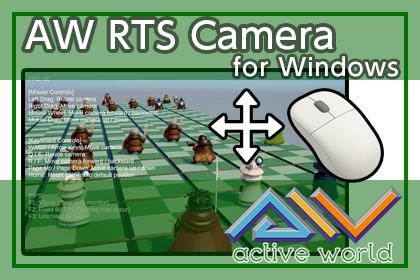
AW RTS Camera is a Unity asset that allows you to easily add camera controls designed for Real-Time Strategy (RTS) games to Unity applications running on Windows.[ Overview ]This asset enables quick and easy implementation of essential RTS camera controls, including movement, rotation, and zoom.All camera motions feature smooth easing, providing intuitive, responsive, and comfortable camera control suitable for RTS-style gameplay and editors.[ How to Use ]1. Add the CAWRTSCamera component to a Camera in your scene.Alternatively, drag and drop Scripts/CAWRTSCamera.cs onto the Camera.2. Adjust the parameters in the Inspector, such as movement speed and limit ranges, as needed.3. Press Play to activate the RTS camera controls.[ Notes ]・When using UI elements (such as Buttons), camera input will be disabled while interacting with the UI.・This asset can be freely used for samples, learning purposes, and commercial projects.・The full C# source code is included and can be freely modified or extended.・The 3D models included in the demo were generated using Tripo3D and are for demonstration purposes only.・These demo 3D models may not be reused, redistributed, or included as part of this asset.[ Demo ]You can download a Windows demo application from the link below to test the asset:DEMO downloadThis asset is designed for mouse-based input.The current version is supported on Windows only.The core C# scripts and logic provided in this asset were created manually. AI (Tripo3D) was used exclusively to generate the 3D models found in the Demo scene for visualization purposes only. These AI-generated models are not the main product of this package.・The 3D models included in the demo were generated using Tripo3D and are for demonstration purposes only.・These demo 3D models may not be reused, redistributed, or included as part of this asset.

