






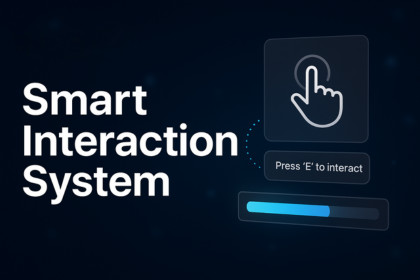
First-person interaction system for Unity with ready-made prefabs, prompts, and controller to quickly add polished object interactions to your game.Smart Interaction System Pro is a first-person interaction framework for Unity that lets you quickly add polished, raycast-based interactions to your game using the built-in (Old) Input System.The package includes a complete first-person controller, interaction logic, UI prompts, and ready-made examples such as doors, buttons, chests, drawers, levers, grab/throw objects, and inspectable items. The player looks at an object, sees a clear on-screen prompt, and can either press or hold the interaction key to trigger different behaviors, with optional hold progress feedback.Core scripts like the player controller, interactor, base Interactable class, and InteractionPrompt UI are cleanly organized and fully exposed in the Inspector. You can easily adjust interaction distance, keys (e.g., E for interact, G for throw), layers, movement speeds, mouse sensitivity, and UI colors/animations without touching the code.The system is ideal for first-person projects that need a straightforward, extensible interaction solution for adventure, horror, puzzle, and exploration games. Use it as a drop-in interaction system or as a solid learning base to build your own custom interactions.The package also includes a custom Unity editor tool available under the Tools menu. With just a few clicks, you can automatically set up the player, interaction system, and UI in your scene, making it very easy to get started even for beginners.Note: This package is built using Unity's Old Input System. For seamless integration with projects using the New Input System, please set Active Input Handling to Both in your Project Settings.First-person controller built with Unity’s CharacterController and the built-in (Old) Input System.Raycast-based interaction system featuring distance and layer filtering for precise targeting.Base Interactable class for easy creation of custom interaction behaviors.Ready-made prefabs including doors, buttons, chests, drawers, levers, grab/throw objects, and inspectable items.Support for hold-to-interact actions with optional progress bar feedbackCustomizable InteractionPrompt UI using TextMeshPro, with adjustable colors, fonts, sizes, fade, and scale animations.Well-organized folder structure (Scripts, Prefabs, UI, Scene) to facilitate quick integrationInspector-exposed settings for interaction keys (e.g., E for interact, G for throw), interaction distance, player movement speeds, mouse sensitivity, and UI behavior.Demo scene showcasing all interaction types and setup for easy understanding and testing.AI-assisted

