






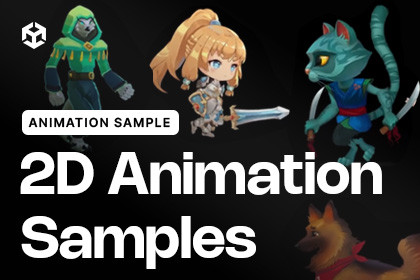
This package provides 2D characters in different game styles that were used by internal Unity teams and are now available to users. Try it to learn about 2D skeletal animation and pixel art.2D Renderer in URPThe 2D Animation Samples showcase a range of character animation workflows and art styles using Unity’s 2D tools. Explore skeletal animation, sprite swapping, inverse kinematics, 2D lighting, pixel-perfect artwork, and Aseprite integration through a collection of ready-made sample scenes.The samples demonstrate how characters can be imported, rigged, animated, customised, and lit directly inside Unity.Core Features:Multiple 2D character art styles and example scenesSkeletal animation using the 2D Animation packageCharacter rigging with the Skinning EditorSprite Libraries and Sprite Resolver for character variations2D Inverse Kinematics (IK)2D lighting with normal and mask map examplesPSD character workflows using the 2D PSD ImporterAseprite character and animation examplesPixel Perfect Camera setupOriginal source artwork included for selected samplesAseprite & Pixel Art:The package also includes a pixel-art Unity Chan sample demonstrating frame-by-frame animation, direct Aseprite importing, character controls, and Pixel Perfect Camera setup. Original .aseprite files are included so you can explore the workflow.Sample Notes:Demo scenes can be found in the Scenes folder.The samples use URP with the 2D Renderer.For the best experience, import the package into a project created with Unity’s 2D template.Packages demonstrated include 2D Animation, 2D Sprites, 2D PSD Importer, and Aseprite Importer.The characters were created by artists working across a variety of styles, providing examples suitable for different types of 2D games and animation workflows.

